Cloud Solutions & Services in the UAE
VOWTECH helps UAE businesses decide what belongs in the cloud and then moves it there carefully — Microsoft 365 and business email, private cloud hosting, cloud backup and disaster recovery, and virtualization — with migration planned in advance and questions about data location answered before anything is moved.
The Right Workload in the Right Place
Moving to the cloud is not a single decision. Email and file sharing are usually better off in a public cloud service such as Microsoft 365, where the provider runs the platform. A specialised accounting or engineering application may run better on a private server you control. Backups belong somewhere other than the building they protect. Most businesses end up with a sensible mixture of all three.
VOWTECH, based in Abu Dhabi and serving Dubai and businesses across the UAE, covers each part of that mixture: Microsoft 365 and Exchange Online for email and collaboration, private cloud services for workloads that need dedicated resources, and virtualization to make better use of the server hardware you already own.
Whichever direction you take, two questions deserve an answer before migration begins: how will this data be backed up, and how would we recover if the service or site were lost? Our cloud backup and disaster recovery service addresses both, and once systems are in the cloud they can be looked after under our managed IT services.
Public, Private or Hybrid?
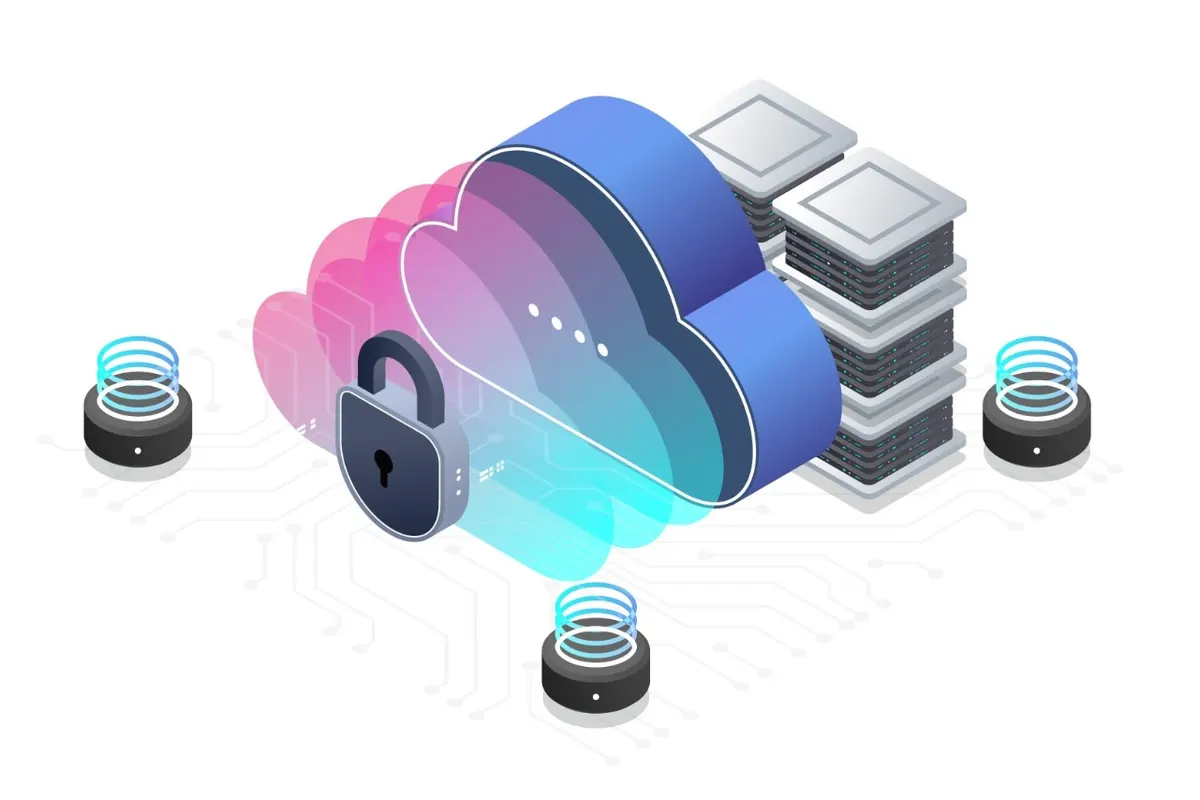
Each model has a place. The choice depends on the application, the data involved and how much control you need.
Public Cloud Services
Subscription services run by the provider and used over the internet. There is no hardware to buy or maintain, and staff can work from any location with a connection and the right credentials.
Private Cloud
Dedicated virtual servers reserved for your company, reached securely by your staff. It behaves like your own server room without the room, and suits applications that cannot simply be replaced by a subscription.
Hybrid Cloud
A combination: some systems on your premises, some in a private cloud and some as public cloud services, joined by secure connections and a single sign-in so users do not notice the boundaries.
Cloud Services We Deliver
Each service can stand alone, but they are most effective when planned together.
Microsoft 365 & Business Email
Tenant setup, domain and mail flow configuration, mailbox migration from an existing mail system, shared mailboxes, Teams and SharePoint structure, and security settings such as multi-factor authentication.
Private Cloud Hosting
Virtual servers provisioned for your applications, with secure remote access for staff, resource sizing based on how the system is really used, and room to add capacity as you grow.
Cloud Backup
Servers, computers and cloud mailboxes are backed up to an off-site cloud repository on a schedule, encrypted in transit and at rest, with restores tested so you know the backup works.
Disaster Recovery
Replication of critical servers to a second location, so that systems can be started there if the primary site is lost. Built on technologies such as Veeam backup and disaster recovery.
Virtualization
With virtualization, several virtual servers run on one physical host, which reduces hardware, makes backup and recovery simpler and is the usual stepping stone between ageing physical servers and a private cloud.
Migration Planning
An inventory of what you run today, a decision for each system on where it should live, a sequence that limits disruption and a fallback for every step in case it does not go to plan.
Moving to the Cloud Without Drama
Migrations go wrong when they are rushed. Ours follow five stages and nothing is switched off until its replacement is proven.
Workload Assessment
We list your applications, data volumes, users and dependencies, and note what each system needs to run well.
Placement & Data Location
For each system we agree where it will live and where its data will be stored, with your obligations in mind.
Pilot
A small group of users or a single non-critical system is moved first to prove the method.
Cutover
Remaining users and systems move in planned batches, normally outside working hours, with a fallback ready.
Backup & Aftercare
Backup of the new environment is confirmed, staff questions are handled and old systems are retired safely.
Cloud Decisions Made With Care
The cloud removes some responsibilities and leaves others firmly with you. We make sure you know which is which.
Advice Before Migration
Not everything belongs in the cloud. We say so when a system is better left where it is.
Backup Is Never Assumed
Cloud services are resilient, but deleted or corrupted data is still your problem. Backup is planned from the first day.
Data Location Discussed Early
Where data will be stored is agreed at the planning stage, not discovered afterwards.
Support After the Move
The team that migrates you also supports you, with VOWTECH support available 24/7.
Cloud Services — What Clients Ask First
Is our Microsoft 365 data backed up automatically?
What is the difference between private cloud and public cloud?
Where will our data be stored?
Will staff lose email during a migration to Microsoft 365?
How is disaster recovery different from backup?
Do we still need servers in the office after moving to the cloud?
Related Services
Microsoft 365 & Exchange Online
Business email, Teams and SharePoint set up, migrated and secured.
Learn morePrivate Cloud Services
Dedicated virtual servers for applications that need their own environment.
Learn moreCloud Backup & Disaster Recovery
Off-site cloud backup with recovery options for servers, PCs and mailboxes.
Learn moreVeeam Backup & DR
Backup and replication for virtual, physical and cloud workloads.
Learn moreVirtualization
Consolidate physical servers onto fewer hosts with simpler recovery.
Learn moreDisaster Recovery Solutions
Plans and technology to bring systems back after a major outage or site loss.
Learn moreThinking About
Moving to the Cloud?
Tell us what you run today. We will recommend what to move, what to keep, how it will be backed up and the order in which to do it.