Veeam Backup & Disaster Recovery
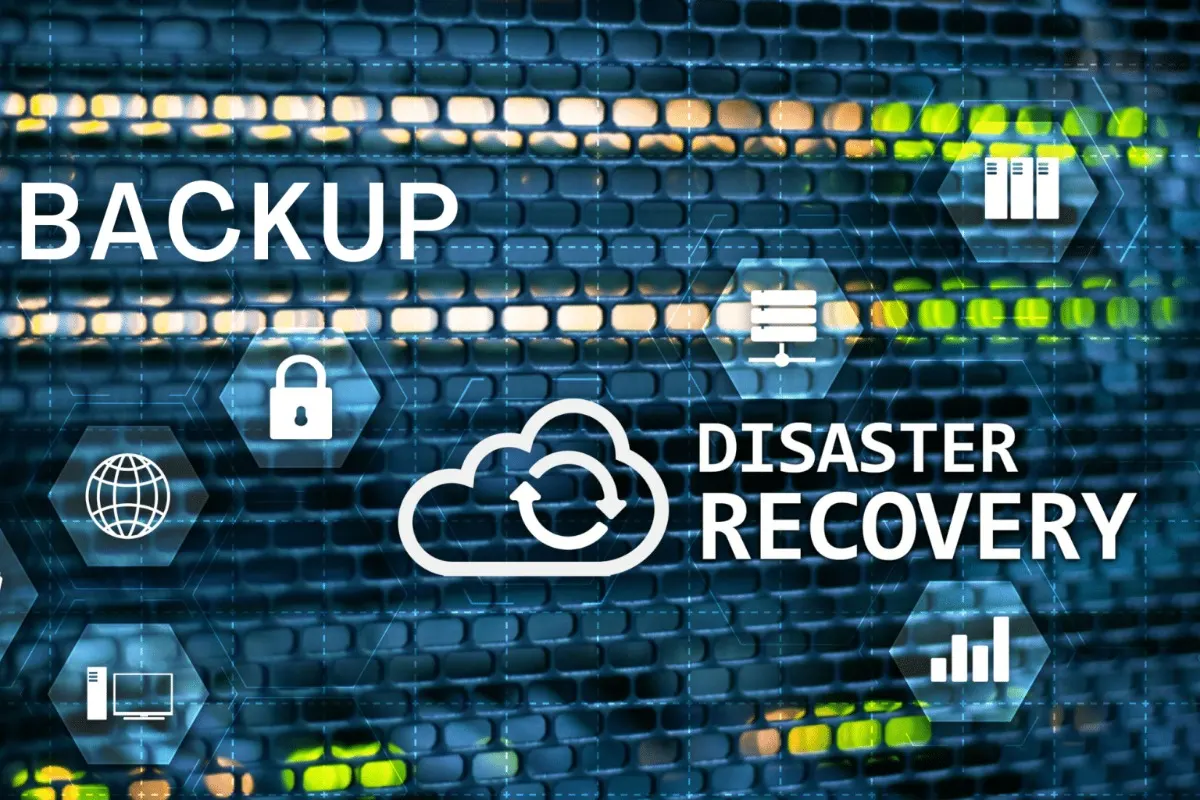
VOWTECH designs, installs and manages Veeam-based backup for virtual machines, physical servers and cloud workloads. We set backup schedules around how much data you can afford to lose, keep a copy off site, replicate critical systems and test restores so recovery is proven, not assumed.
A Backup Is Only as Good as the Restore
Veeam is backup and replication software used widely in virtualised environments. It takes image-level copies of whole machines, so a server can be brought back complete with its operating system, applications and settings, or a single file or mailbox item can be pulled out of the same backup without restoring everything around it.
Installing the software is not the same as being protected. What matters is the design: what is backed up, how often, where copies are kept and how long they are retained. VOWTECH builds this around two questions for each system — how much work can you afford to redo, and how long can you manage without it. This feeds directly into wider disaster recovery solutions.
We deploy Veeam for businesses in Abu Dhabi, Dubai and across the UAE running virtualised servers, physical servers or a mix of both. Backups are stored locally for fast restores and copied off site or to the cloud for resilience, in line with our cloud backup and disaster recovery service.
Three Layers in a Sound Backup Design
Each layer answers a different kind of failure. Relying on only one of them is where most recovery plans fall down.
Local Backup Repository
Backups written to dedicated storage on your own network. This is the copy used for everyday restores — a deleted folder, a failed update, a corrupted virtual machine — because it is the fastest to reach.
Off-Site & Immutable Copy
A second copy held away from the main site, in the cloud or at another office, with immutability where the storage supports it so backups cannot be altered or deleted for a set period.
Replication for Critical Systems
For the few systems the business cannot run without, a ready-to-start replica is kept on separate hardware or at a recovery site, so failover is a matter of powering it on rather than restoring from scratch.
Design, Deployment & Management
From a first installation to taking over a Veeam environment that nobody has looked at for a while.
Backup Design
We map your servers and data, agree recovery objectives for each and design jobs, schedules, repositories and retention to meet them without overloading the network.
Installation & Configuration
The backup server, proxies and repositories are installed and connected to your hypervisor hosts, physical servers and any cloud workloads that need protecting.
Physical Server & Workstation Backup
Machines that are not virtualised, including key workstations, are protected with backup agents and managed from the same console as everything else.
Microsoft 365 Backup
Exchange Online mailboxes, SharePoint sites, OneDrive and Teams data are copied to storage you control, giving an independent restore point outside the tenant.
Job Monitoring & Remediation
Failed and warning jobs are reviewed and fixed rather than ignored, and repository space is watched so backups do not quietly stop when a disk fills.
Restore Testing & DR Drills
Backups are verified by actually starting machines from them in an isolated environment, and recovery steps are written down so they can be followed under pressure.
Building a Backup You Can Rely On
Five stages, ending with the one most often skipped: proving it works.
Assess
We review servers, data volumes, change rates, existing backups and the gaps in them.
Set Objectives
Acceptable data loss and downtime are agreed per system, in plain business terms.
Deploy
Veeam components, repositories and off-site targets are installed and jobs are created.
Test Recovery
Sample files, applications and whole machines are restored to confirm the design works.
Monitor & Report
Jobs are checked routinely, failures are fixed and you receive a clear picture of backup status.
Why Backups Need Ongoing Attention
Backup systems tend to fail silently. The job that stopped months ago is usually discovered on the day it is needed.
Someone Is Watching
Job results are reviewed by people, so warnings are dealt with instead of piling up in an unread mailbox.
Ransomware Resilience
Off-site and immutable copies give you a clean version to restore from if production data is encrypted.
Granular Recovery
Restore one file, one mailbox item, one database or an entire server from the same backup.
Help When It Counts
VOWTECH support is available 24/7 from Abu Dhabi, with engineers who know your environment and its recovery plan.
Veeam Backup Questions
What is the difference between backup and disaster recovery?
How often should our servers be backed up?
Can Veeam protect us against ransomware?
We already have Veeam installed. Can you review it?
Related Services
Disaster Recovery Solutions
Recovery planning, standby infrastructure and failover for critical systems.
Learn moreCloud Backup & DR
Off-site backup copies and recovery capacity hosted in the cloud.
Learn moreAcronis Cyber Protect Cloud
An alternative backup and protection platform suited to endpoints and smaller sites.
Learn moreBackup Systems
Backup servers, storage targets and software supplied and installed.
Learn moreData Recovery
Help recovering data from failed disks, servers and storage devices.
Learn moreCloud Solutions in the UAE
Microsoft 365, private cloud and backup services for UAE businesses.
Learn moreWhen Did You Last
Test a Restore?
If the honest answer is not recently, talk to us. We will review what is being backed up, where the copies are kept and whether they can actually be restored.